
Psiphon
Psiphon is a free and open-source internet censorship circumvention tool for Windows that connects you to blocked websites through its own network.
10.8 MB

Proxifier is a Windows program by VentoByte that sends the network traffic of any application through a proxy server, even if the app has no proxy settings.
Average 0.0 · ratings: 0
Thank you! Your rating is saved; you can change it. Could not save the rating. Please try again later. Too many ratings from your network today. Please try again tomorrow. The average appears after 5 ratings.
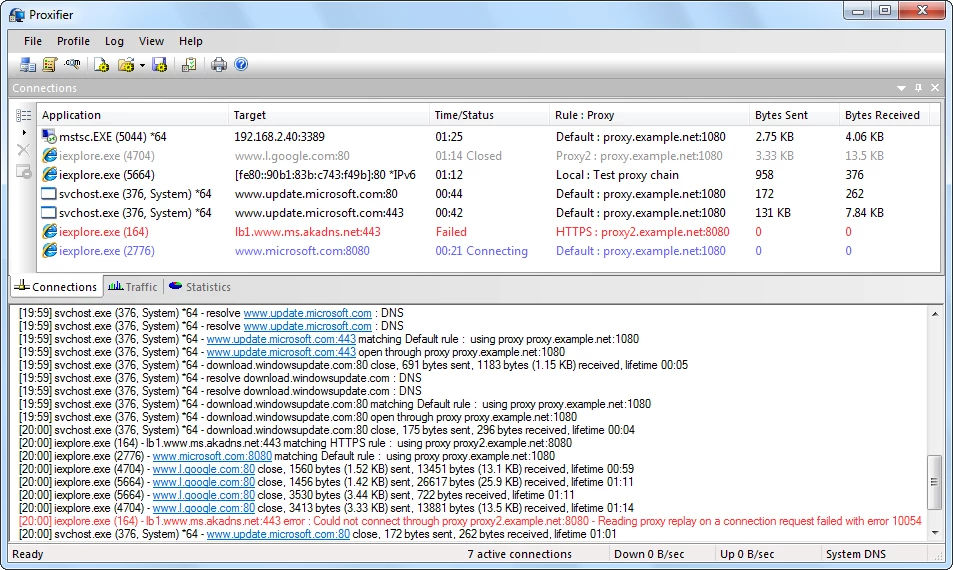
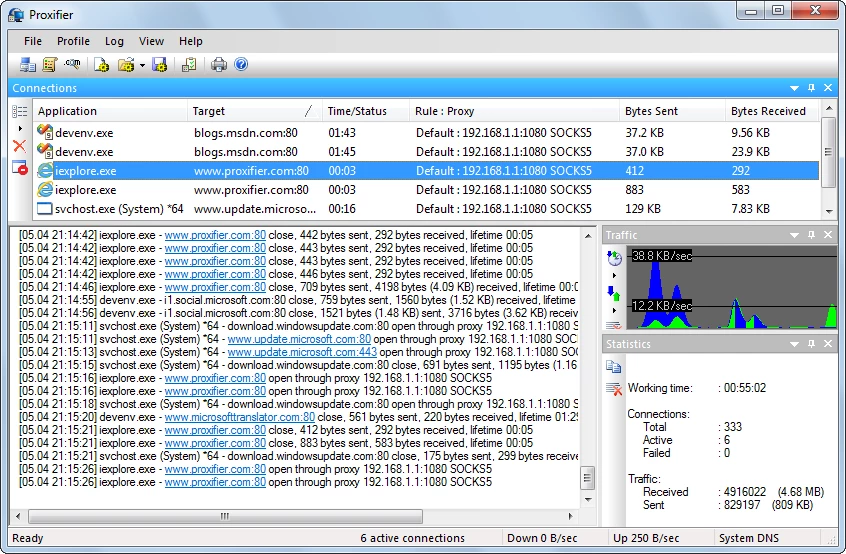
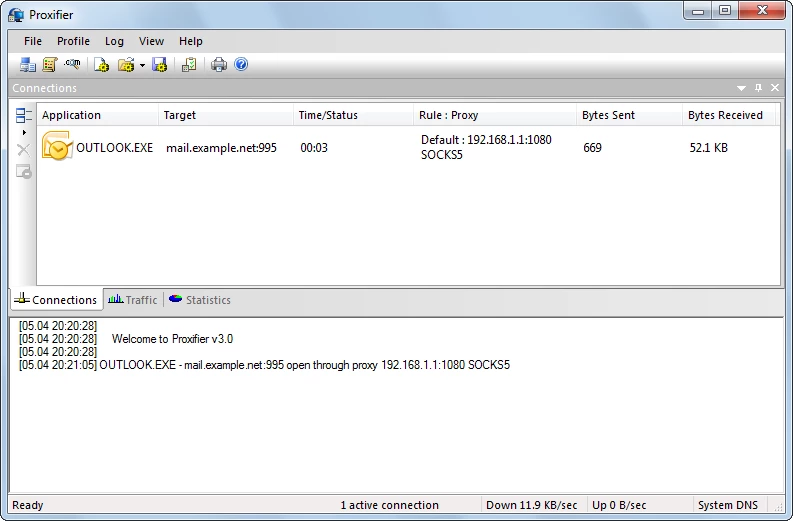
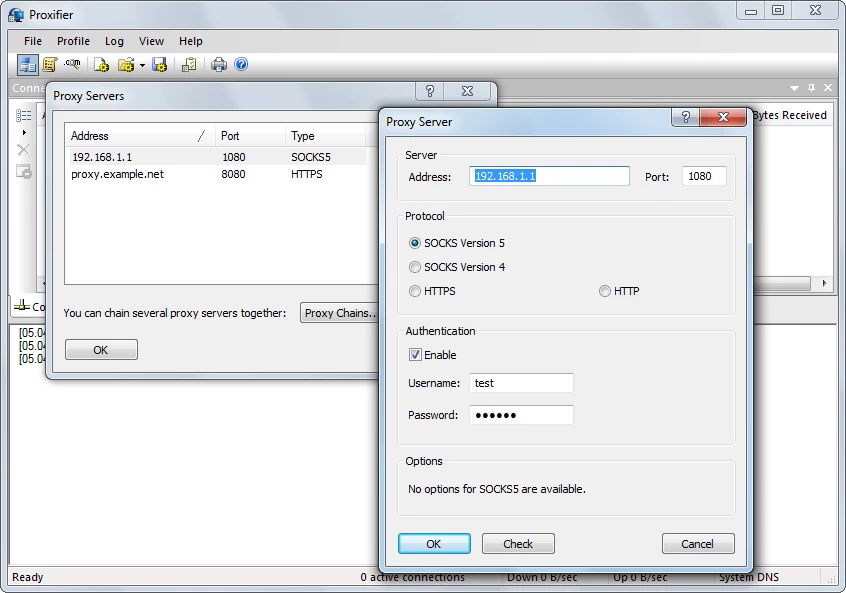
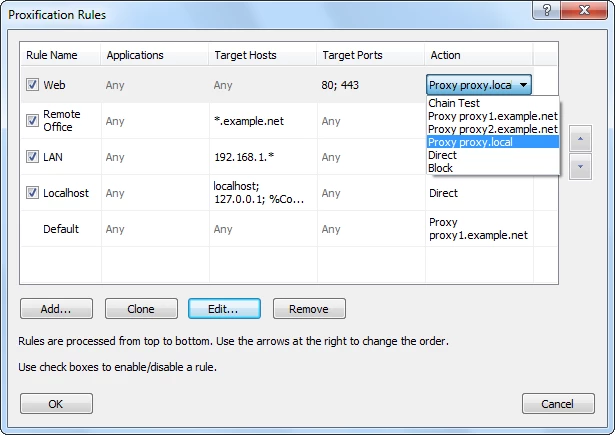
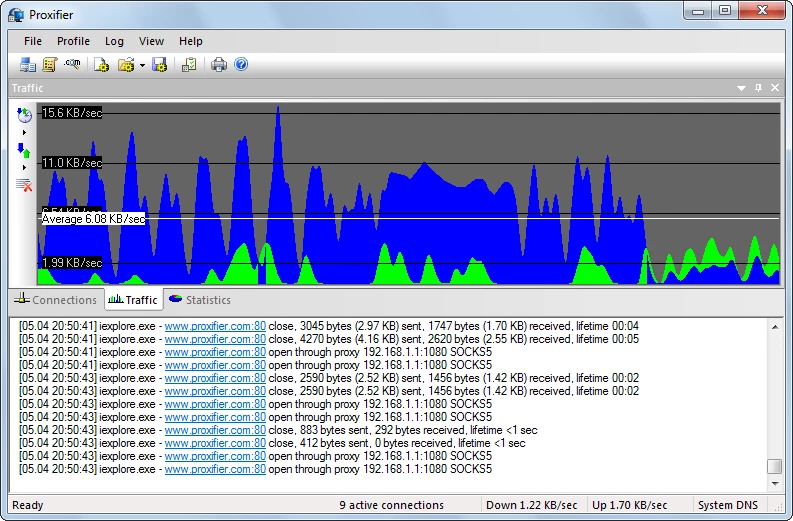
Proxifier 4.14 is a Windows program from VentoByte SL that makes other applications connect through a proxy server, including those that have no proxy settings of their own. You define rules for which programs or addresses go through which proxy, and Proxifier handles the rest. It is a paid program with a trial; you can download Proxifier for Windows from proxifier.com.
Proxifier solves a narrow but real problem. Many programs, especially older business software, database tools, games and command-line utilities, simply ignore proxy settings. In a company network where every connection to the internet must pass through a proxy, such programs do not work. Proxifier intercepts their connections at the network level and sends them through the proxy you specify, so the program works without being changed. Developers use it to route only a test application through a debugging proxy, administrators use it to give a single tool access through a gateway, and people who work with several proxies use rules to decide which app goes where. It also resolves domain names through the proxy if required, which matters in closed networks. If you just want private browsing, a VPN service or the proxy settings of your browser are simpler choices.
According to Proxifier's specifications:
Versions also exist for macOS and Android 8+. The package in the catalogue is about 5.24 MB according to catalogue data.
The catalogue lists the licence as a demo: the trial lets you test Proxifier before buying a licence on the official website. Use proxies you trust, since every connection routed through them can be observed by the proxy operator. Changes between versions are listed in the official changelog.
If what you need is a full VPN rather than per-app proxy rules, our listings include Proton VPN, Mullvad VPN, Windscribe VPN and OpenVPN Connect. v2rayN is a client for proxy protocols, and Radmin VPN and Hamachi create virtual local networks.
Psiphon is a free and open-source internet censorship circumvention tool for Windows that connects you to blocked websites through its own network.

1111 Warp VPN is Cloudflare's WARP client for Windows, which encrypts DNS and traffic between your PC and Cloudflare's network.

Turbo VPN for Windows is a VPN client from Innovative Connecting that encrypts your connection and routes it through the provider's servers.

VPN Planet is a Windows VPN client from FreeVPNPlanet with a free option, available from its website and the Microsoft Store.

Radmin VPN is a free Windows program from Famatech that connects computers over the internet into a virtual local network, for LAN games and remote access.

v2rayN is a free, open-source Windows GUI client by 2dust for Xray, v2ray and sing-box proxy servers, with subscriptions and routing rules.

Hotspot Shield is a VPN app for Windows that encrypts your internet connection and changes your virtual location.

Hamachi is a VPN application for Windows that connects computers over the internet as if they were on the same local network.